
Service
Workflow Automation.
We map your manual processes and rebuild them as reliable automated pipelines — connecting your tools so work moves without waiting on a human for every step.
What is workflow automation?
Workflow automation connects the software your team already uses so repetitive steps, such as data entry, approvals, notifications and record syncing, run automatically when a trigger occurs. Qodexify maps the current process, builds monitored pipelines using tools like n8n, Make or custom code, and typically delivers a first automation in 1–3 weeks.
What's included
Automation that survives contact with reality
CRM, ERP & SaaS integrations
Connect the systems you already run — no forced migration to a new platform.
Approval chains & notifications
Routing logic that matches how your team actually makes decisions.
Error handling that alerts, not hides
Failed steps notify a human immediately instead of silently dropping data.
Reporting & alerting
Dashboards and alerts so you can see the pipeline working, not just trust it is.
Our approach
How an automation project runs
Shadow the current process
We document how the work actually happens today, exceptions included.
Design the pipeline
Map triggers, steps, and fallback paths before writing integration code.
Run in parallel
The automation runs alongside the manual process until it's proven.
Cut over & monitor
Full handoff with alerting in place for anything that needs a human.
Use cases
Workflow automation use cases
Common projects where this service delivers the fastest return.
Invoice & approval workflows
Route invoices for approval, post them to accounting and notify approvers automatically.
Lead routing & CRM sync
Capture leads from forms and ads, enrich them and assign owners in seconds.
E-commerce order & inventory sync
Keep storefront, warehouse and accounting data consistent in real time.
Employee & customer onboarding
Create accounts, send documents and schedule tasks the moment someone signs up.
Reporting & alerting
Compile weekly reports and alert the right person when a metric crosses a threshold.
Support ticket routing
Categorise incoming tickets and route them to the right queue with context attached.
Cost & timeline
Typical cost and timeline
Typical ranges. Cost depends on the number of systems, exception handling and reporting required.
| Project type | Typical timeline | Typical budget |
|---|---|---|
| Single workflow | 1–3 weeks | $3k–$10k |
| Multi-system integration | 4–8 weeks | $10k–$40k |
| Enterprise process automation | 2–4 months | $40k–$120k |
| Monitoring retainer | Ongoing | $500–$2k per month |
Compare options
Custom automation vs. DIY Zapier or Make vs. manual work
An honest comparison to help you pick the right approach.
| Custom automation | DIY Zapier / Make | Manual process | |
|---|---|---|---|
| Reliability at scale | Monitored, with retries and alerts | Fine for light use, fragile at volume | Depends on people |
| Complex business logic | Fully supported | Limited by connectors | Flexible but slow |
| Cost at high volume | Predictable | Per-task pricing grows quickly | Staff time |
| Setup time | 1–8 weeks | Hours to days | None |
| Ownership | You own the logic and code | Locked to the tool | Not applicable |
Technologies we use
A pragmatic, proven stack
Common questions
About automation projects
What if a step fails halfway through?
Every pipeline we build has retry logic and failure alerts, so nothing silently drops — a human gets notified immediately.
Do we need to replace our current tools?
Usually not. We connect what you already use rather than forcing a migration, unless a tool genuinely can't support the workflow.
Which tools and systems can you integrate?
We integrate CRMs (HubSpot, Salesforce), ERPs and accounting tools (QuickBooks, Xero, NetSuite), e-commerce platforms (Shopify, WooCommerce), helpdesks, Slack, email and any system with an API or webhook.
How do I know what to automate first?
Start with a process that is frequent, rule-based and costs at least ten staff hours a week. We audit your workflows in discovery and rank candidates by time saved and implementation effort.
What is the ROI of workflow automation?
Return depends on volume and labour cost, but well-chosen automations commonly pay back within a few months. We baseline the current process first so savings are measured rather than assumed.
Should I use Zapier or custom automation?
Zapier and Make suit simple, low-volume flows. Choose custom automation when you need complex logic, high volume, strict error handling, auditability or lower long-term cost.
From the blog
Guides for automation projects
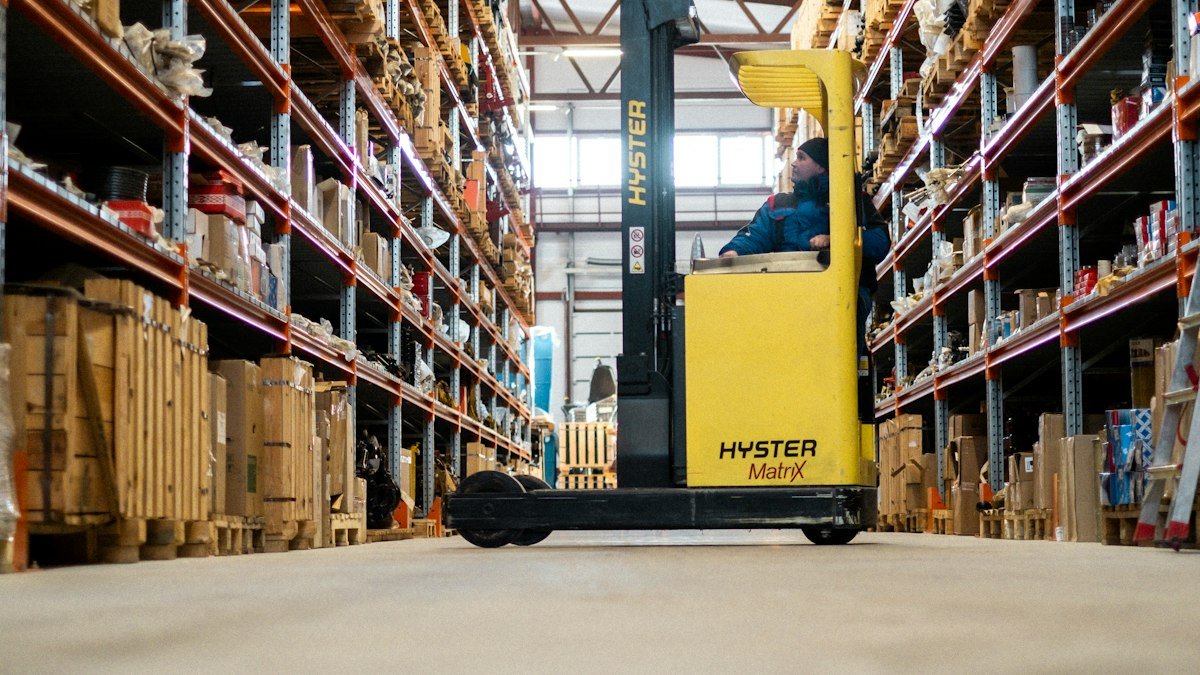
10 Business Processes to Automate First (and How to Prioritize)
Ten repetitive processes that usually pay back quickly, and a simple scoring method to decide which to automate first.

Zapier vs. Custom Automation: When to Outgrow No-Code
No-code tools are a great way to start. Here are the signs you have outgrown them and what to move to next.